Format issues can quietly derail a strong application. You may have the right experience, but if the ATS cannot read your file properly, your CV might never reach a recruiter. So which format is safest: PDF or Word?
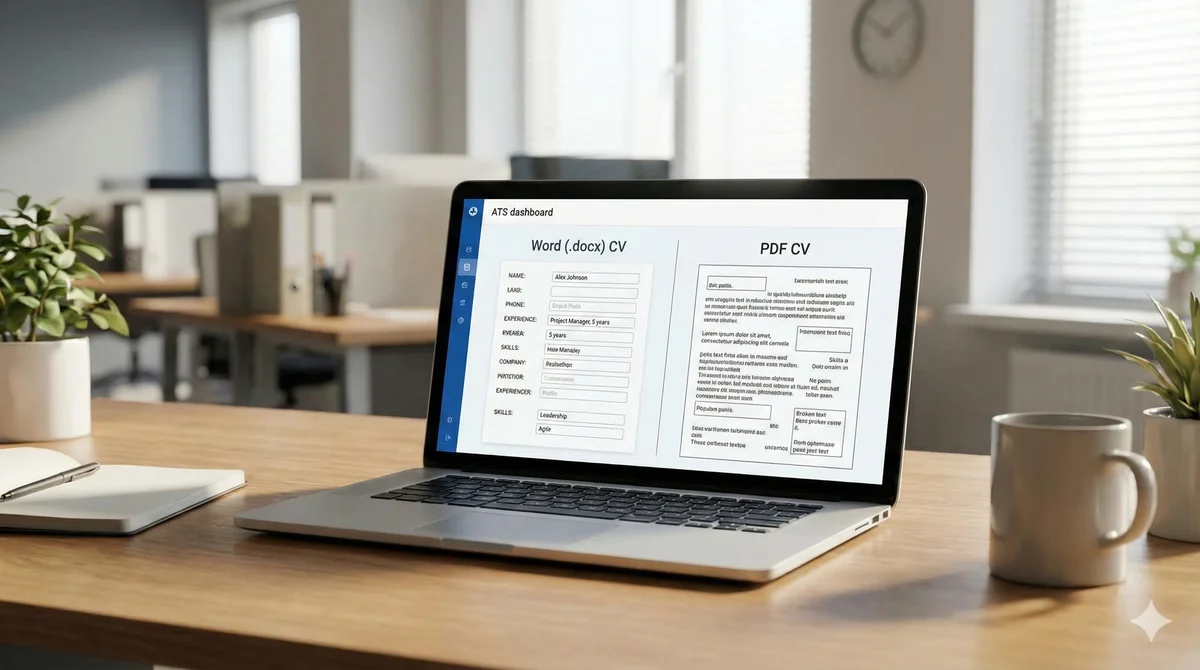
The short answer is that both can work, but each has risks. The best choice depends on the ATS, how your CV is built, and the employer's instructions. This guide explains how ATS parsing works and how to choose the safest format for your applications.
How ATS parses resumes
An ATS turns your CV into structured data. It tries to identify sections like contact details, work experience, education, and skills. It uses text extraction rules to read your file and map content to specific fields.
If the file is not readable, or if the layout is too complex, the ATS can misread or skip information. That means your relevant skills or job titles may never be captured by the system, even if they are clearly visible when you open the file in a document viewer.
When PDFs break ATS
PDFs are reliable for preserving design, but they can fail in a few common situations:
- Scanned or image-based PDFs. If the PDF is essentially a picture of your CV, the ATS cannot read the text without optical character recognition. Many systems do not use OCR.
- Complex layouts. Tables, columns, and graphics can cause the parser to read text in the wrong order, merging unrelated lines.
- Embedded fonts. Some PDFs use fonts or encoding that ATS tools struggle to decode, resulting in missing or garbled text.
PDF is often safe when it is generated directly from a word processor and uses a simple, single-column layout. If your PDF is clean and text-based, most modern ATS tools can read it.
When Word files fail
Word documents are generally easier for ATS tools to parse, but they are not risk-free:
- Older formats. A .doc file can be less compatible than .docx, especially with newer systems.
- Hidden formatting. Word documents can contain hidden fields or inconsistent styles that affect parsing.
- Compatibility issues. If you created the file in a different editor and saved as .docx, it may include formatting quirks that confuse the ATS.
Word files are usually a safe choice when the employer does not specify a preference, and they can be easier for ATS parsing. But you still need a clean, consistent layout.
Safe formatting rules for ATS
Regardless of file type, these formatting rules improve readability:
- Use a simple, single-column layout.
- Use standard headings like "Experience" and "Skills".
- Avoid text boxes, tables, and excessive graphics.
- Use common fonts and consistent sizing.
- Keep dates and job titles aligned and easy to scan.
These rules help both ATS systems and recruiters. Simple formatting is not boring; it is functional.
How to preview what ATS sees
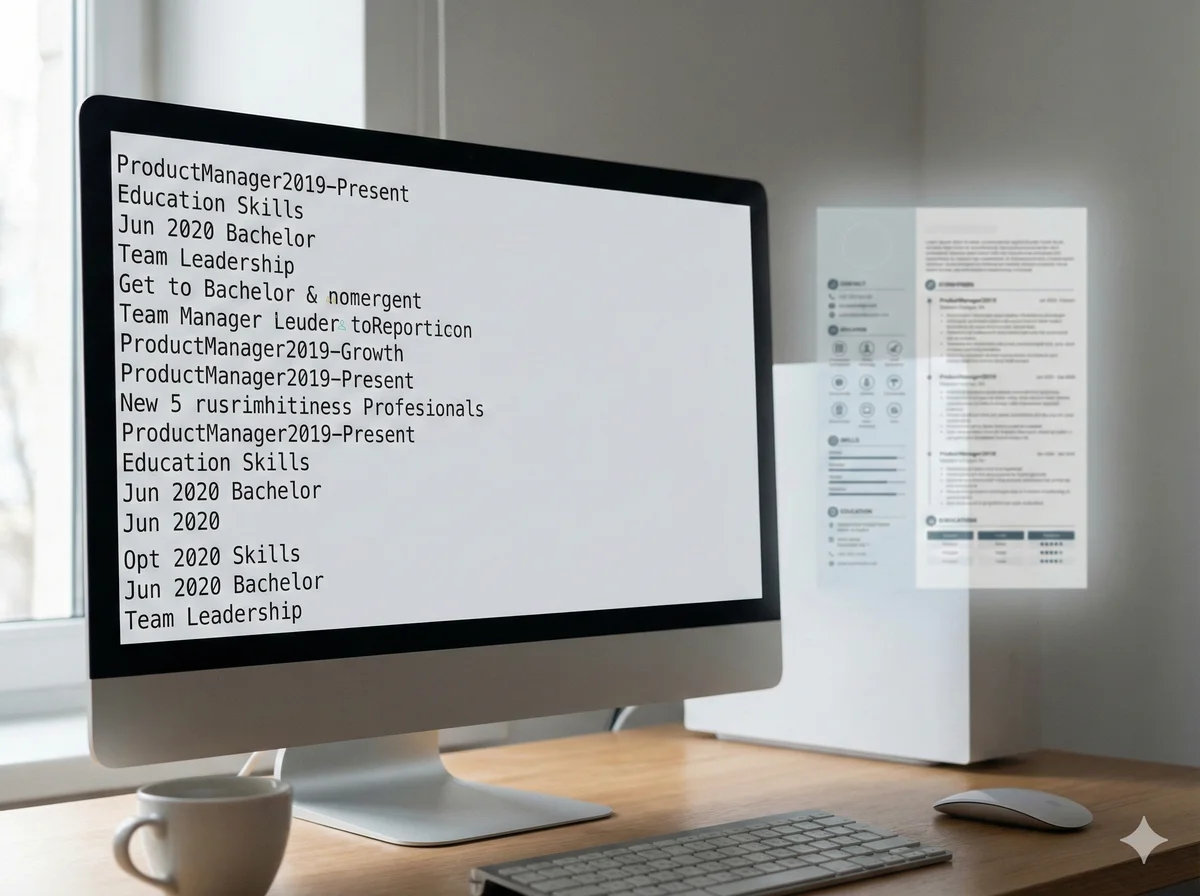
You can test your CV by copying and pasting it into a plain text editor. If the content order looks wrong, you have a parsing problem. Another check is to save your CV in both PDF and Word, then compare how each renders.
If you want a quicker way to confirm, you can preview how ATS reads your CV and spot issues before you apply.
Final takeaway: Choose the format that your target employer requests. If there is no instruction, a clean, text-based PDF or a well-structured .docx is usually safe. The real key is not the file extension, but the clarity of the content inside it.